Thumbnail maker.
Native 16:9, real text.
Draft ten directions, A/B the two contenders, re-render the winner in high resolution — every major image model behind one endpoint, priced per image.
Works with Claude Desktop · Claude Code · Cursor · Windsurf · any OpenAI SDK
Real prompts. Real outputs.
Nothing cherry-picked twice.
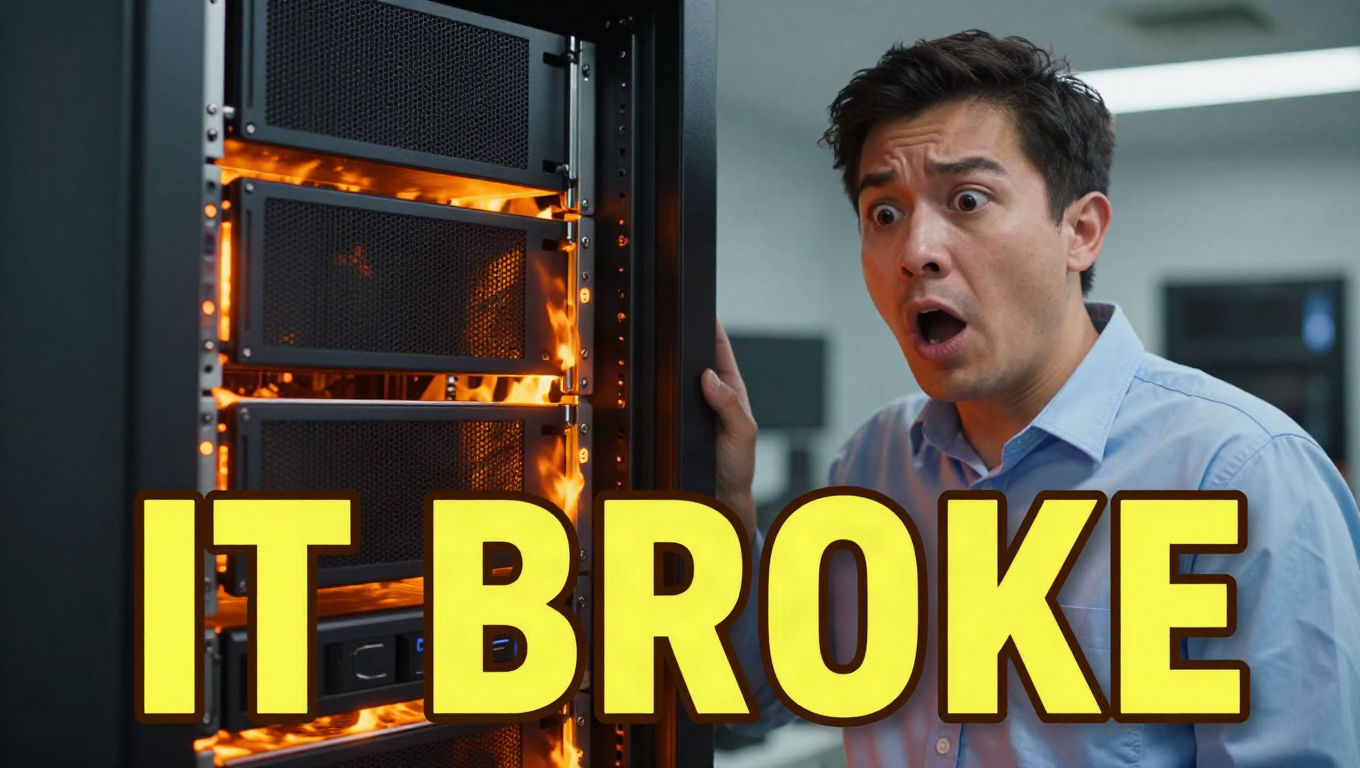
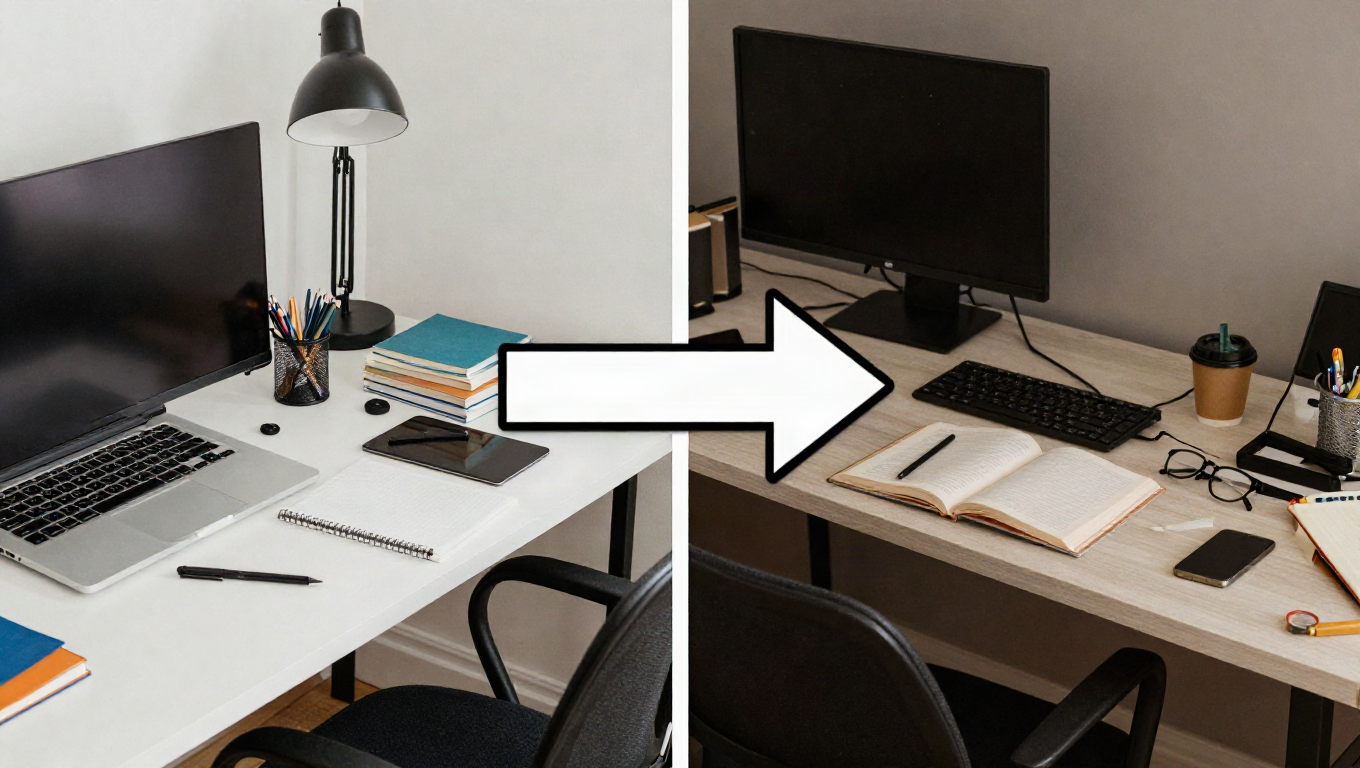
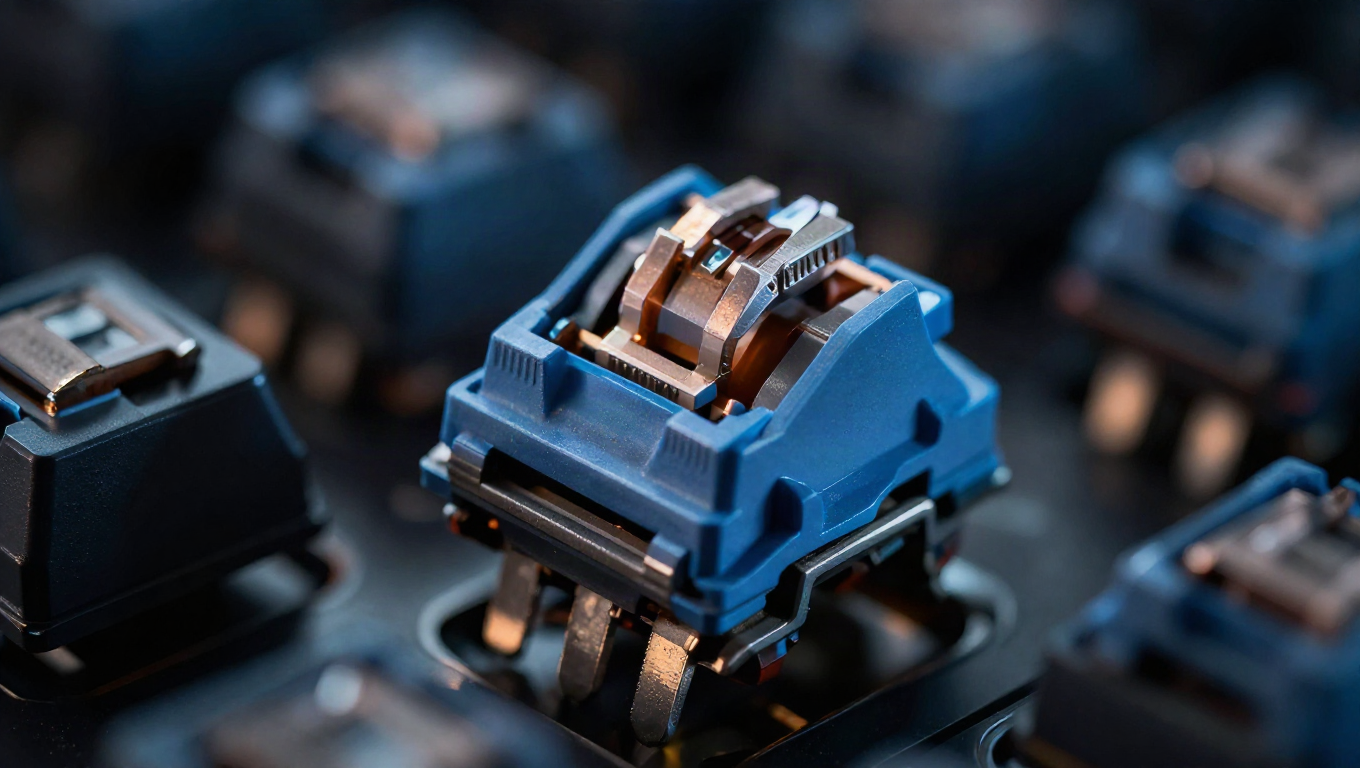
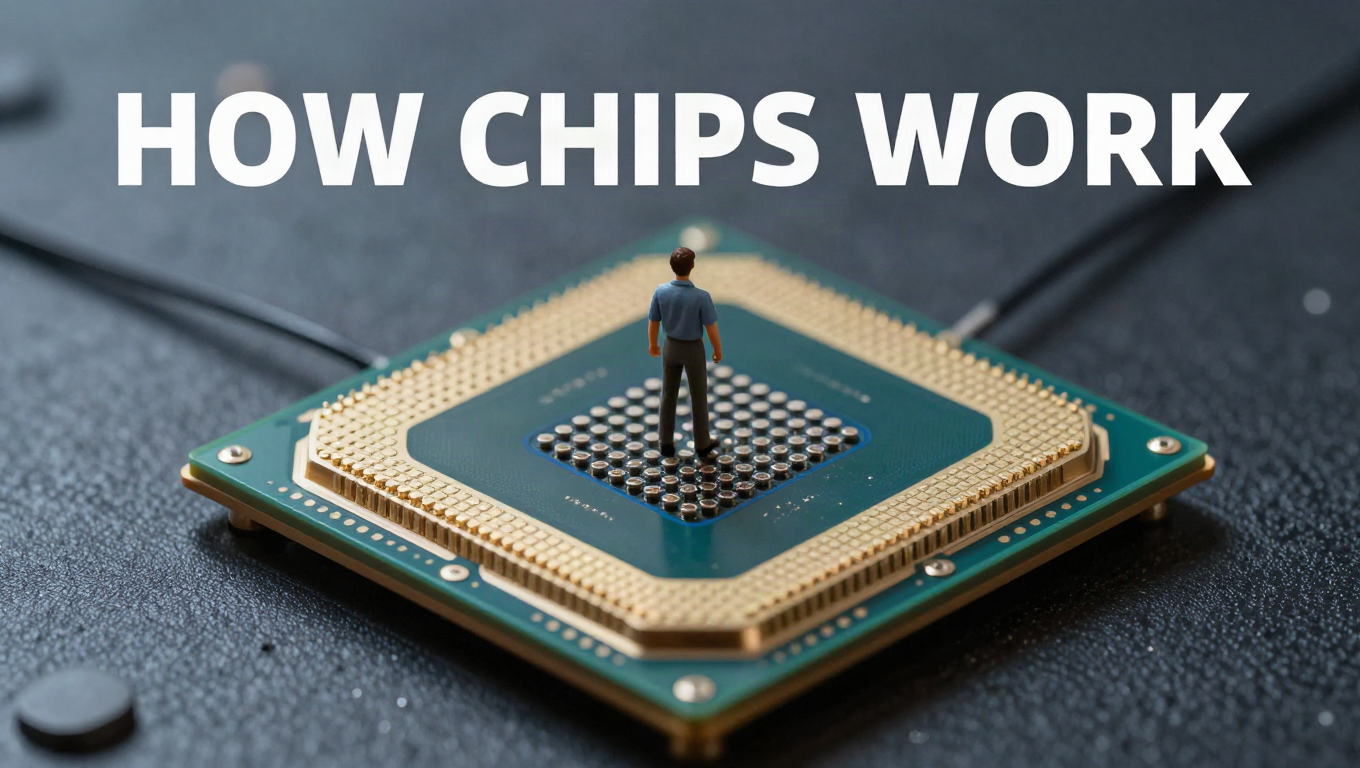
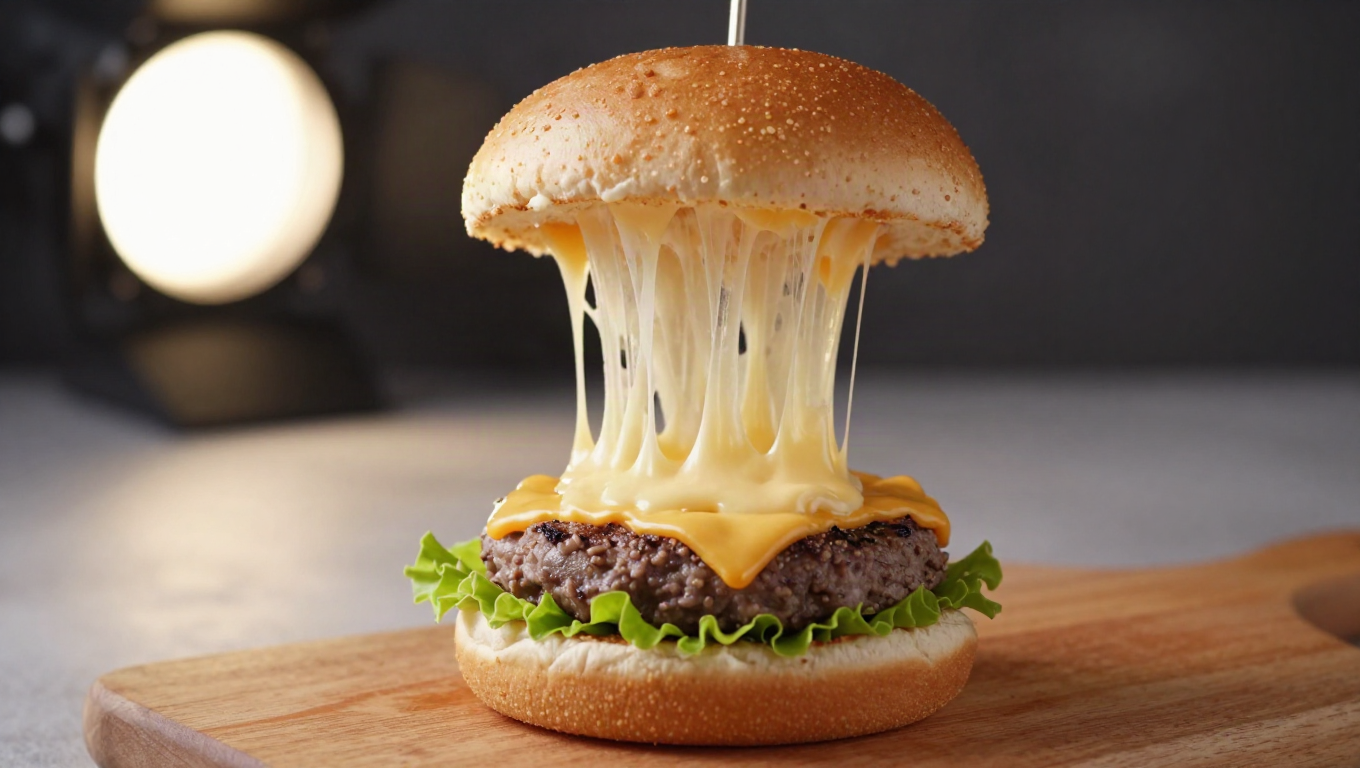
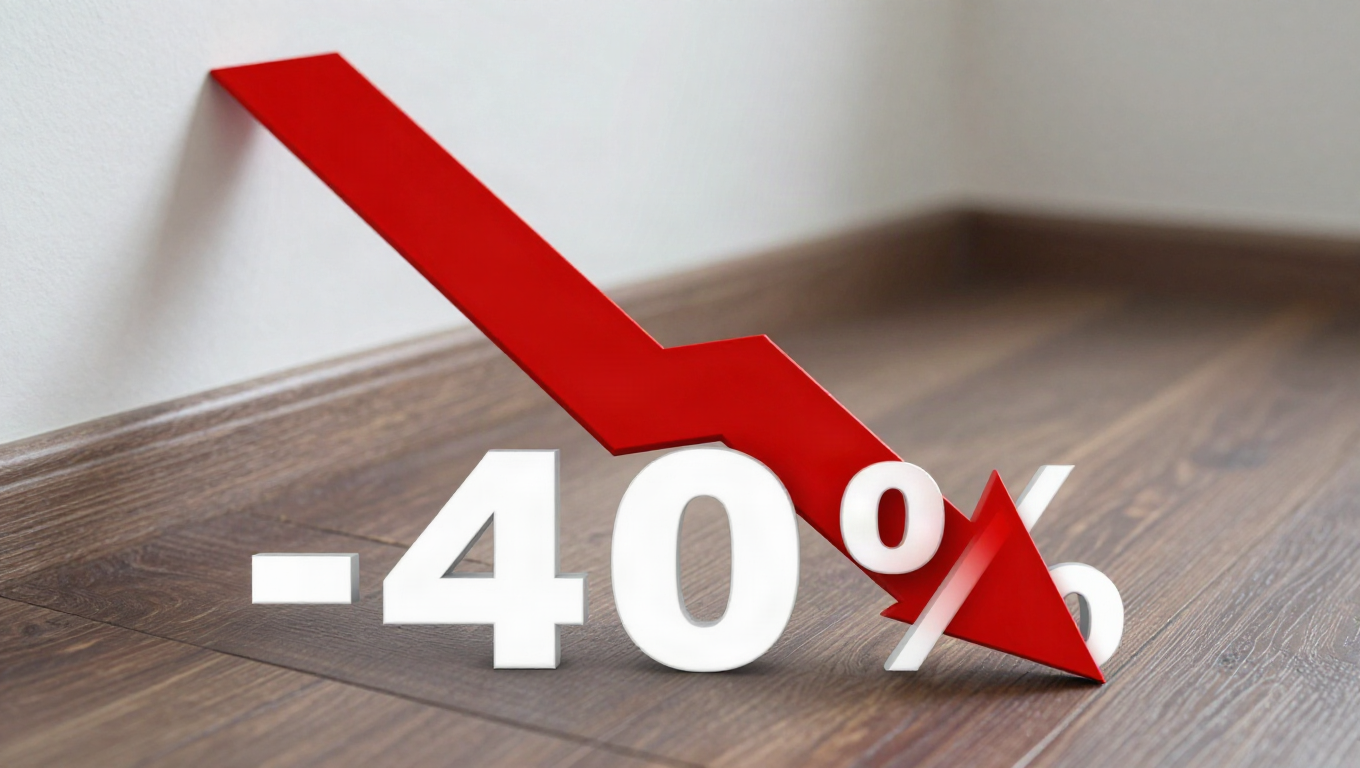
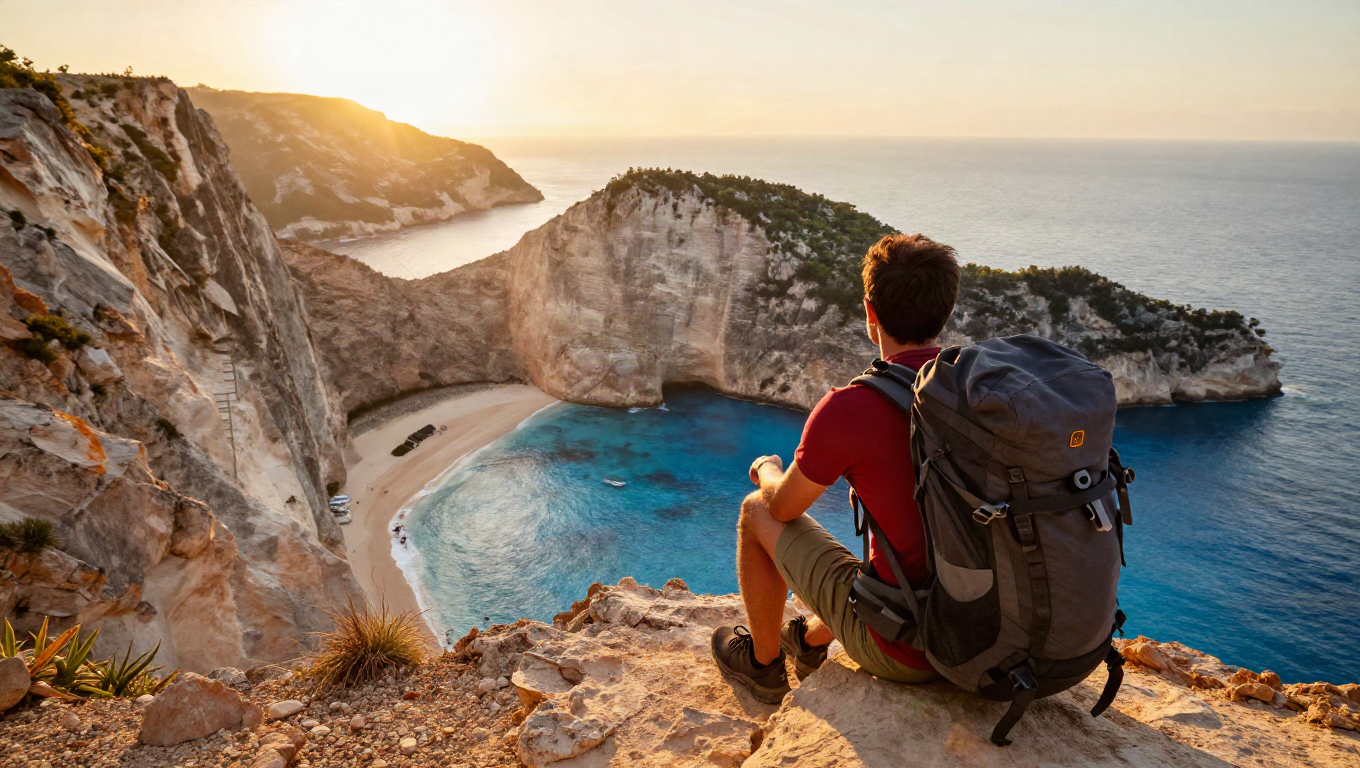
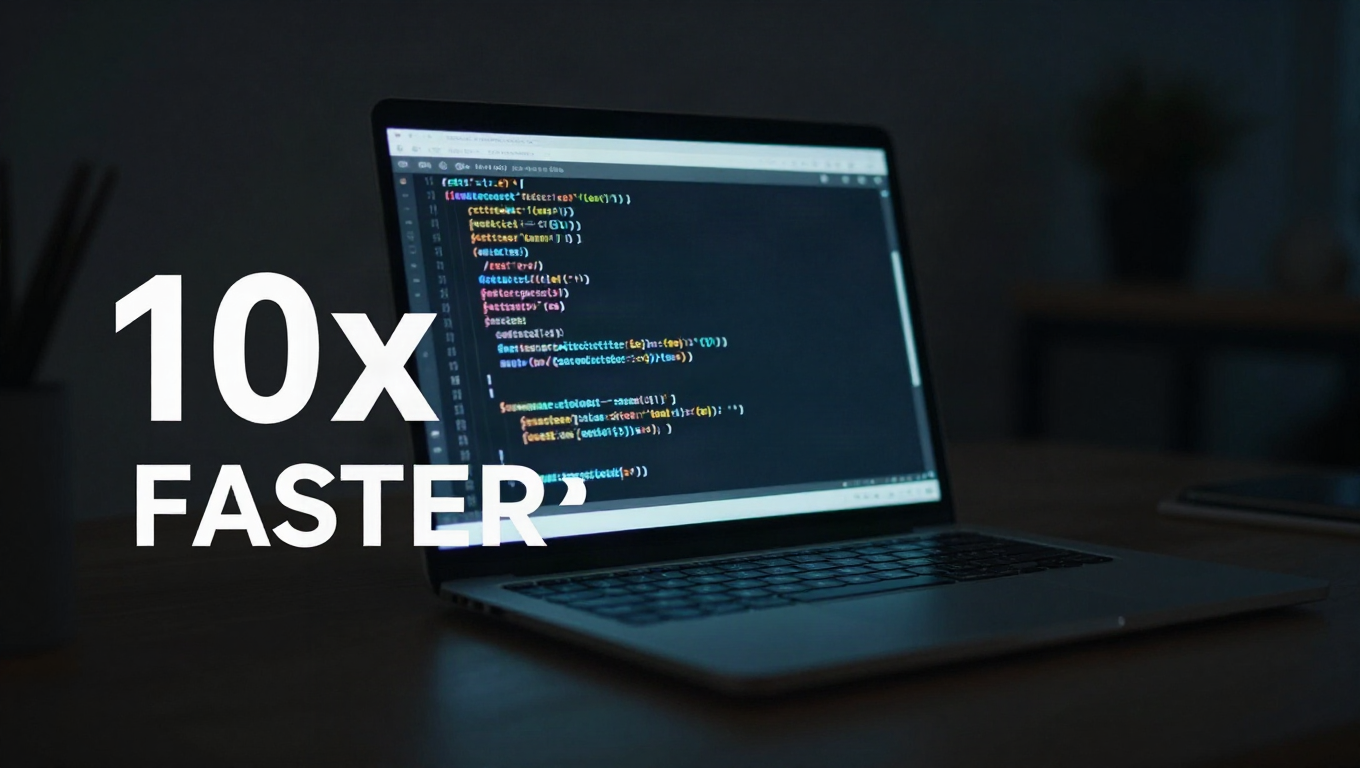
Every image is a real Pixfaro output for the exact prompt beneath it — generated through the API itself, model named in the caption, click for full resolution. Regenerated when models update.
Speed-tier models for the ten-draft spread, typography-strong ones for the title text, photoreal ones for the face — one request shape across all of them.
One key. One balance.
Zero provider accounts.
Click-through is an experiment, not a feeling. At draft prices from $0.006 per image you render a spread of ten directions, pick two by eye, and A/B them for real — the model string is the only thing that changes between a rough and a final.
Connect the MCP once and the agent that writes your title and description also renders the thumbnail — in Claude Desktop, Claude Code, Cursor, or a CI job via the CLI. One pipeline from script to published video, with a balance warning before anything stalls.
"args": ["-y", "@pixfaro/mcp"],
"env": { "PIXFARO_KEY": "pf_live_…" } }
# then: “render 3 thumbnail options for this video title, 16:9, bold text”
“Same scene, make the text twice as big, push the contrast” — instruction-based editing tunes a thumbnail like a thumbnail, not like a fresh roll of the dice. Edits bill at the source image's tier; a CTR tweak costs cents.
Which model wins for thumbnails?
Weekly benchmarks, real prices — the same registry the API bills from. Our per-model read for thumbnail work:
| Model | Our verdict | Median speed | Price / image | |
|---|---|---|---|---|
| gemini-flash-lite | the draft machine — a ten-direction spread in half a minute | 3.0s | $0.041 | Try |
| gemini-pro-image | big legible title text and native 16:9 — the finals model | 20.8s | $0.164 | Try |
| z-image-turbo | photoreal faces and products in ~2s, near-draft price | 2.0s | $0.006 | Try |
| nano-banana-2 | the balanced middle — strong scenes when text is secondary | 10.7s | $0.080 | Try |
| qwen-image | long, accurate on-image text for wordy thumbnails | 38.1s | $0.024 | Try |
Speed and price come from our weekly benchmarks — provider cost + 20%, updated when providers move. Every model and tier → /pricing
Three steps.
About a minute.
Sign up for the $1 credit (no card) — or put the MCP into the same agent that already writes your titles.
export PIXFARO_KEY=pf_live_…
Cheap and fast on the draft tier: reaction face, close-up, split-screen, big-type — see them side by side.
-H "Authorization: Bearer $PIXFARO_KEY" \
-d '{"model":"gemini-flash-lite","prompt":"YouTube thumbnail,
shocked engineer, flaming server rack, 16:9"}'
Re-render the chosen direction on the typography model at 2K, so the 1280×720 download is crisp.
"resolution": "2K",
"prompt": "…bold text “IT BROKE”…"
Pay per image.
Know the cost before you run.
A thumbnail session — ten drafts, two A/B contenders, one 2K final — costs well under a dollar. Per image it's $0.006 to $0.164 depending on the model, printed next to each one before you run.
Top up a balance, and each generation debits exactly the listed price — cost and latency come back in the response, so an agent (or a budget) always knows where it stands. Failed generations aren't charged.
Signup gives you $1 of credit with no card — enough to draft dozens of images on the budget models and still compare finals on a frontier one before you spend a cent.
Credits last 365 days; there's nothing to cancel. Optional auto-reload (with a monthly cap) keeps long agent runs from stalling mid-pipeline.
Fair questions,
straight answers.
Something else? support@pixfaro.com — a human answers.
Can it do real 16:9, not a cropped square?
Yes — the Gemini-family models render native wide frames, so the composition is designed for 16:9 rather than amputated into it. The homepage hero thumbnail is one of them, generated exactly this way.
Will the title text actually be legible?
On the right model, yes. gemini-pro-image sets real, readable type and is our benchmark winner for text-in-image; qwen-image (coming to the lineup) goes further on long wordy overlays. Draft-tier models are for composition, not typography.
What resolution should I upload to YouTube?
YouTube wants 1280×720 minimum. Generate the final at the 2K tier and downscale — you get a crisp upload plus headroom for the same art in channel banners and community posts.
Can I put a real person's face on a thumbnail?
Your own face or your consenting host's — sure, that's what photoreal models are for. Deceptive thumbnails of identifiable people who never agreed are exactly what the Acceptable Use Policy prohibits.
How do I A/B test thumbnails cheaply?
Render both contenders as finals — the pair costs well under a dollar — upload, and let YouTube's own Test & Compare pick the winner with real viewers. The per-image price makes proper experiments affordable in a way stock design tools never were.
Can this run inside my publishing pipeline?
That's the intended shape: the OpenAI-compatible API from any script, the CLI (npx pixfaro gen) from CI, or the MCP from the agent that already drafts your metadata. Docs: docs.pixfaro.com.
One balance.
Every kind of image.
The same wide-format discipline, pointed at posts instead of videos.
Wordmarks, monograms, mascots — the shoot-out approach to brand marks.
Die-cut characters and pack-ready art — same balance, same key.
The full registry — speed, price, and resolutions for every model.
Building instead of browsing? The same models sit behind the REST API and the MCP server.